Templates and Designs
Choose one of the many designs. After clicking on an example, you can adjust it further (e.g., number of rows, text, format, ...) and then use the template.Quick Select by Type:
Overview:
Grid Layout:
as a classic grid:
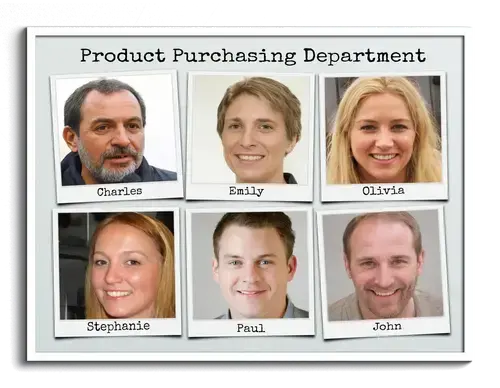
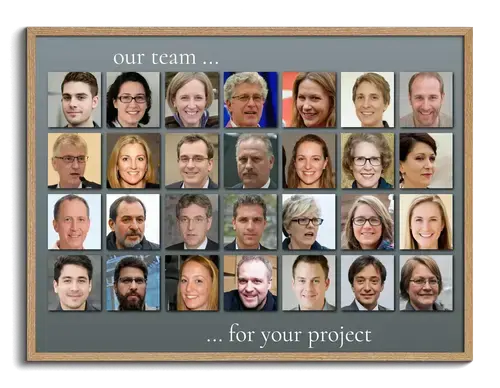
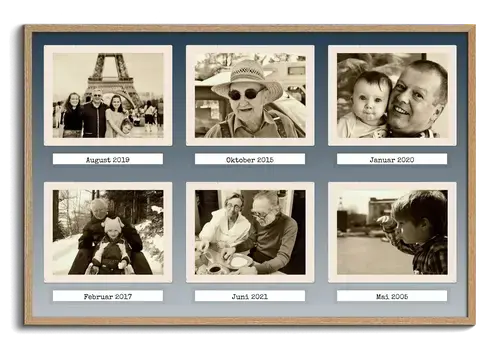
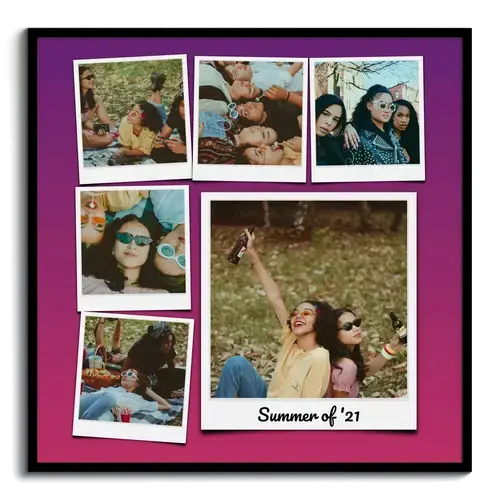
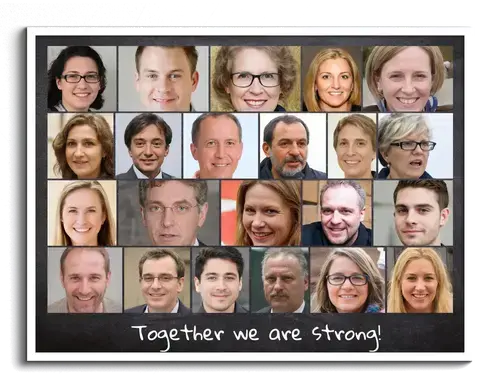
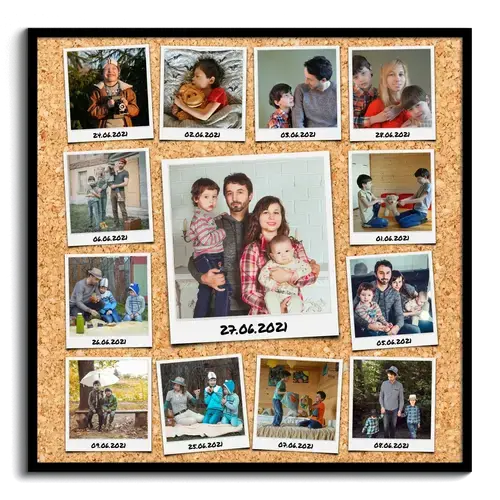
Your photos are arranged in columns and rows. For collages from 1 to 225 photos. Special picture styles, such as ‘Polaroid,’ are possible. Click on one of the sample images to configure the design in more detail.

as grid with variation:
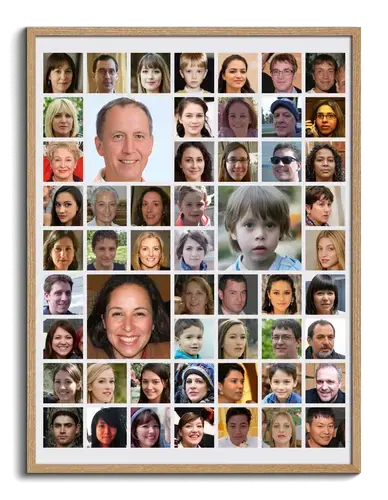
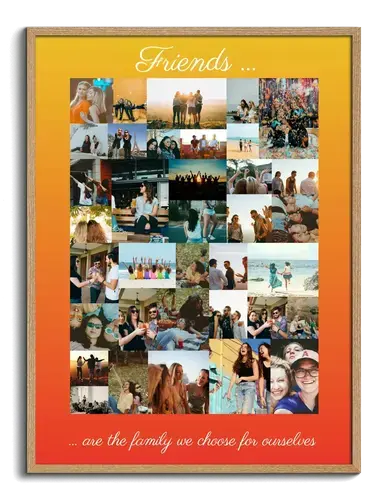
Images arranged in rows and columns as a grid. Occasionally, a larger image is highlighted. This allows
your photos to create great accents. For 6-180 images.
Click on one of the sample images to configure the design in more detail.
Wild Arrangement:
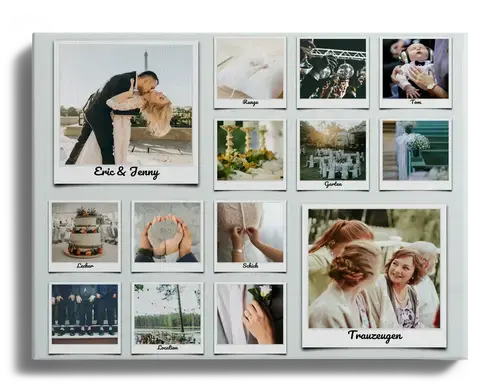
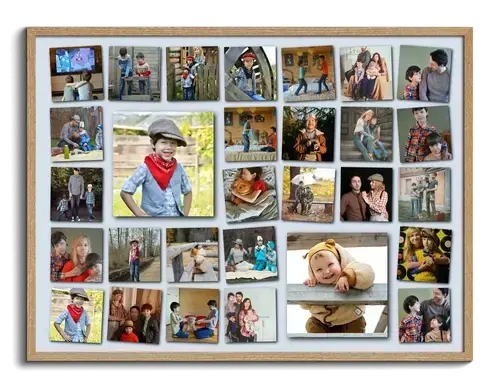
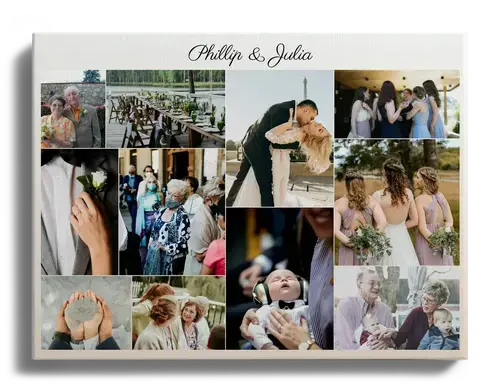
Individual photos are arranged and divided randomly in a "Wild" layout. This creates a great effect that
highlights your photos beautifully. For 3-200 images.
Click on one of the sample images to configure the design in more detail.

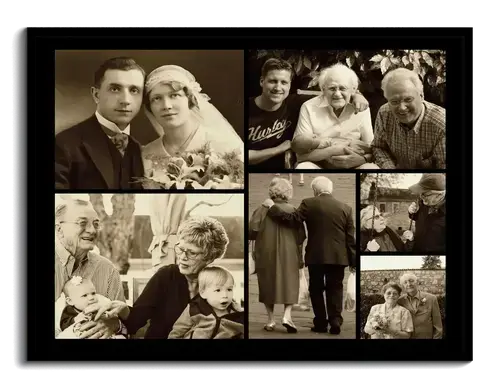
Rows:
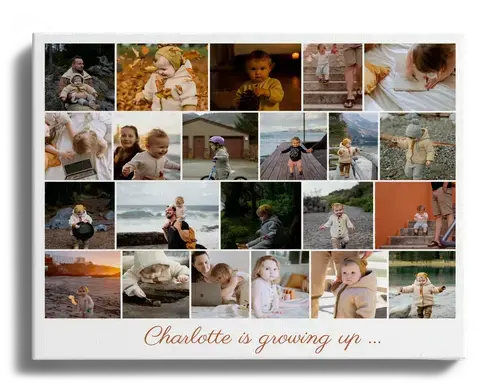
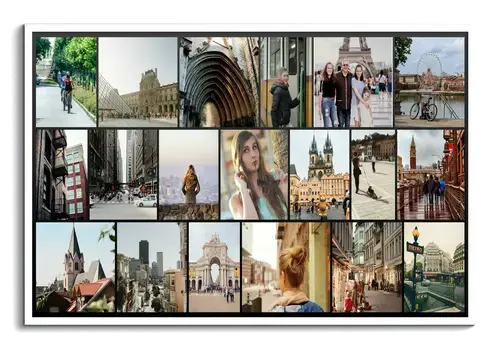
Photos are arranged in rows with randomly different widths. This creates a great effect, accommodating
collages with five to over a hundred images.
Click on one of the sample images to configure the design in more detail.

Large Image
...in the Center:
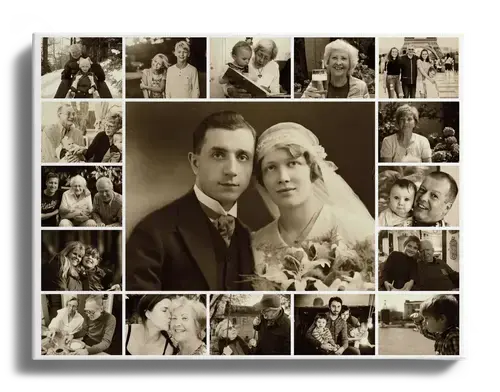
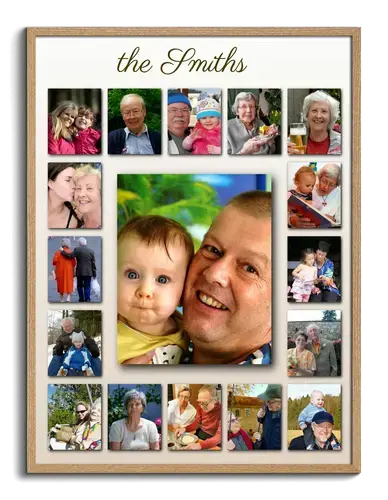
Highlight one or more of your photos in the center of the collage. Choose from various styles and create
a photo collage with up to 60 images.
Click on one of the sample images to further configure the design.

...as Background:
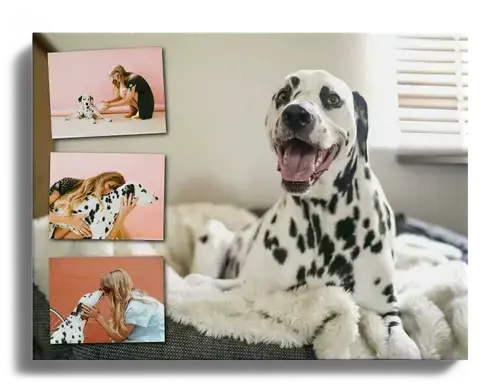
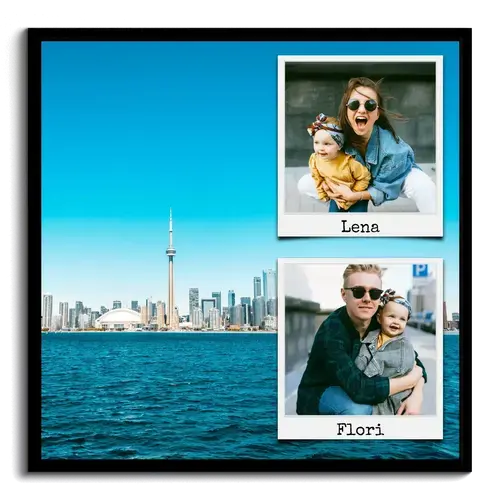
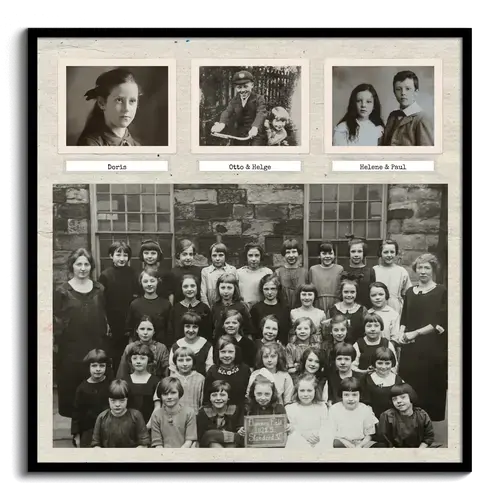
Use your favorite image as a background. Smaller photos can then be arranged on the sides, top, or
bottom. A photo collage for 2 to 11 images.
Click on one of the sample images to further configure the design.

...as a Single Image:
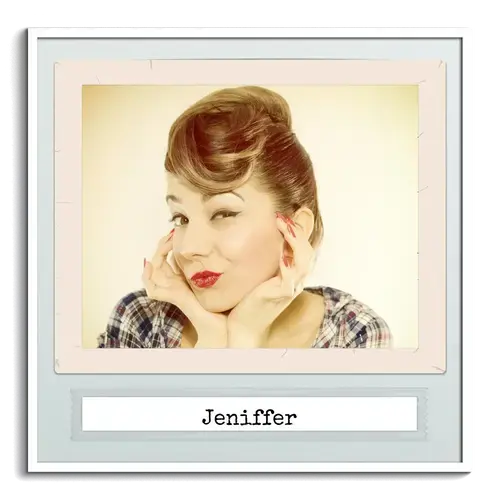
It doesn't always have to be a photo collage with many
images! You can also highlight single images
beautifully using our Polaroid template.
Click on one of the sample images to further configure the design.


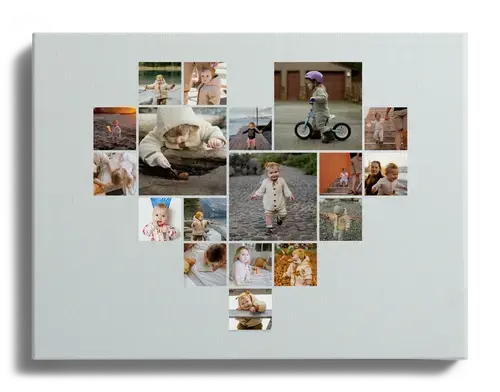
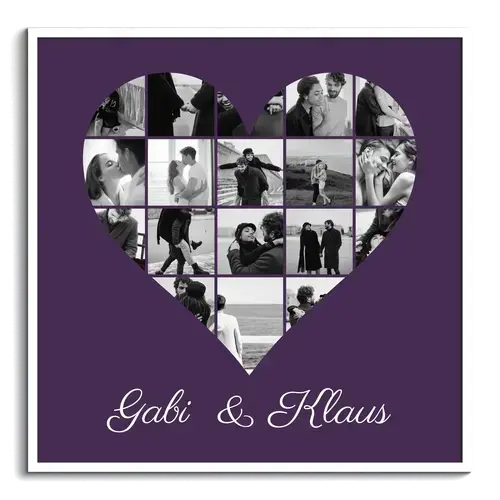
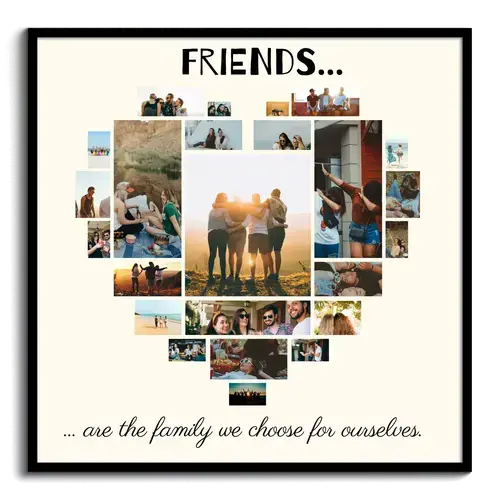
Heart-Shaped Collage:
What could be better for a truly special gift than our heart-shaped photo collages? Choose from four different styles and use up to 42 images in your collage.

Scrapbook Style
Create a creative photo collage in scrapbook style with torn paper edges, tape elements, and a personal touch. Choose from various styles, utilize a text option, and design in portrait or landscape format with a different number of photos.
Text and Numbers:
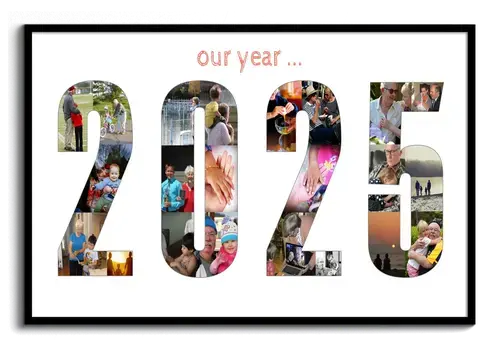
...with numbers + letters and fewer images:
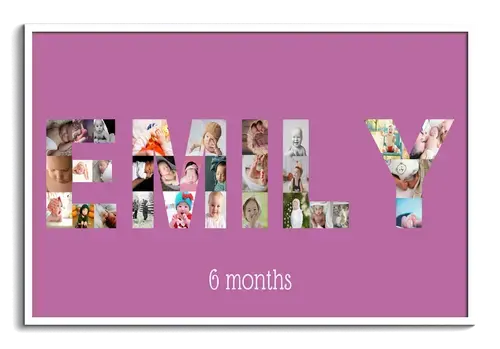
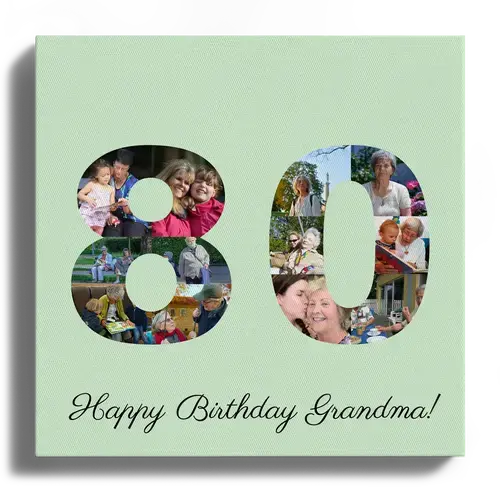
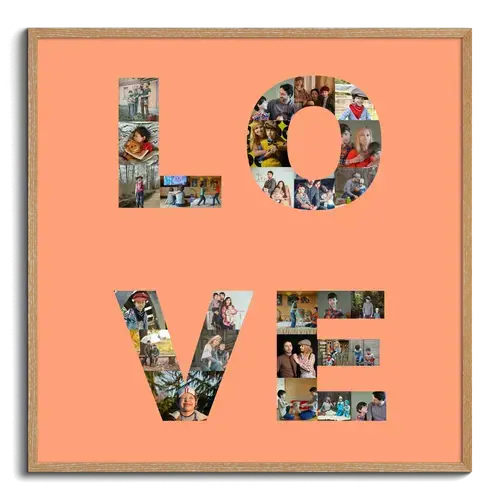
Arrange your images into personalized text or numbers. Choose, for example, a name, birthday, or year number. Multiple lines are also
possible.
Click on one of the example images to configure the design in more detail.

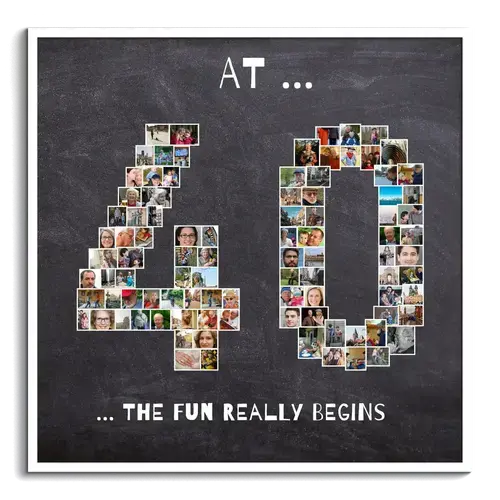
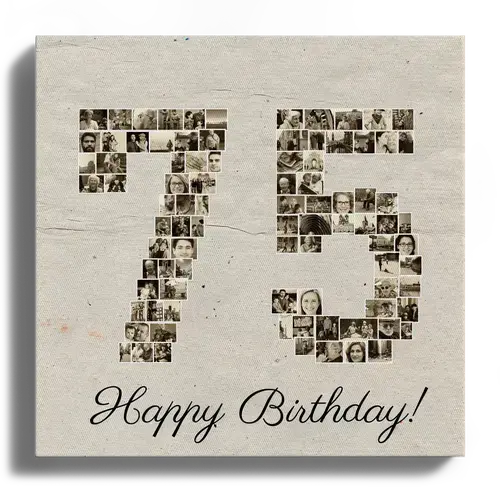
...just numbers with many images:
Use up to four digits between 0-9999 and create a photo collage as a number with over 200 images in just a few minutes.
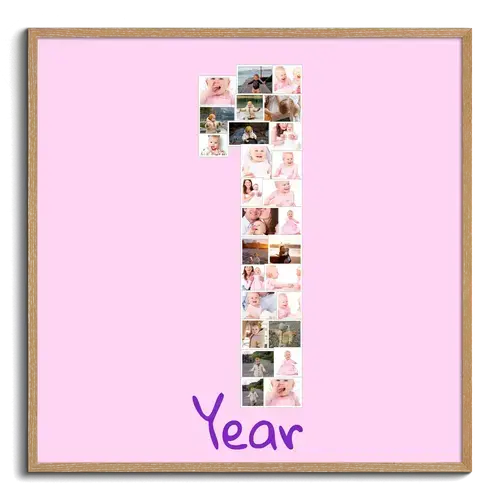
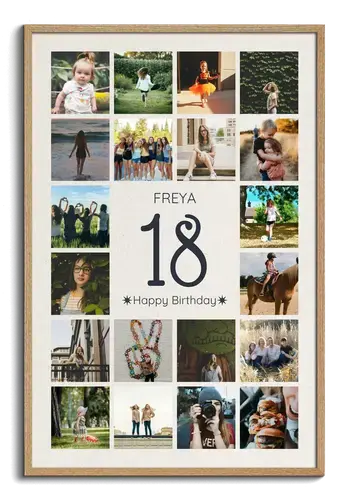
...anniversary numbers with name and text:
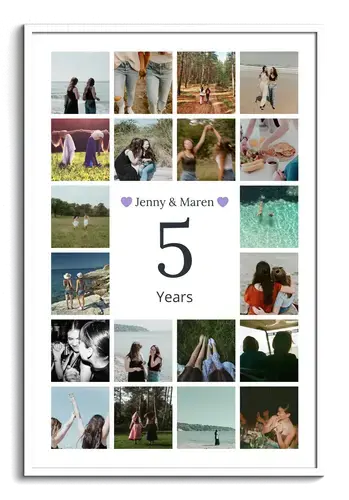
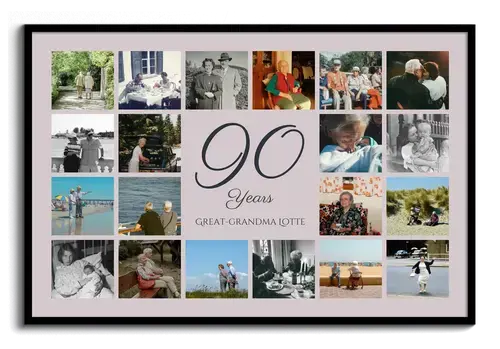
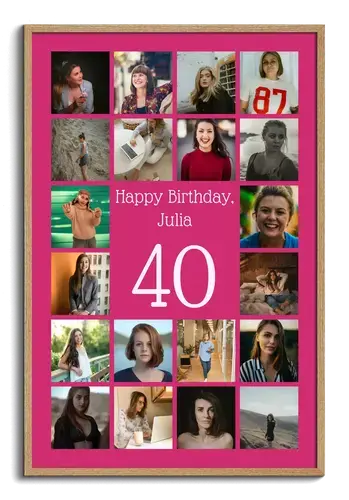
Celebrate special milestones like birthdays, weddings, or company anniversaries with a large number at the center. Number, name, and text are all customizable and will be framed by your most cherished photos.
Dogs
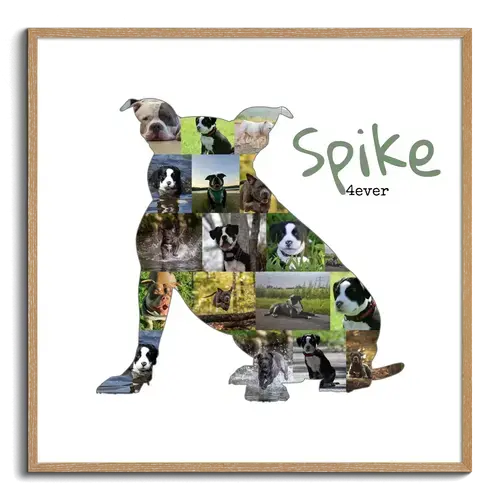
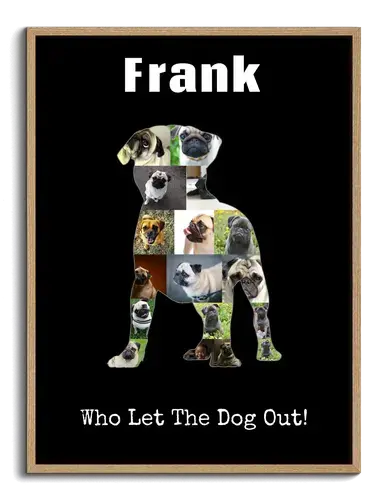
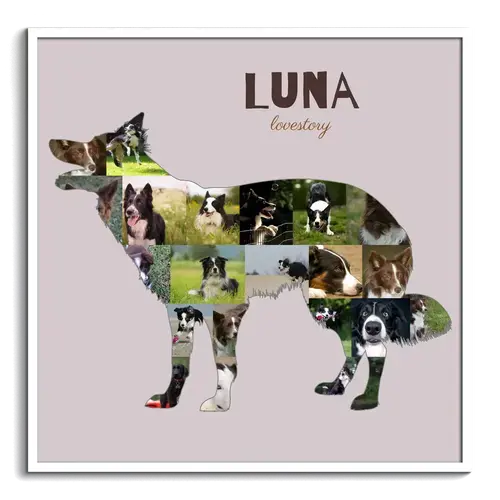
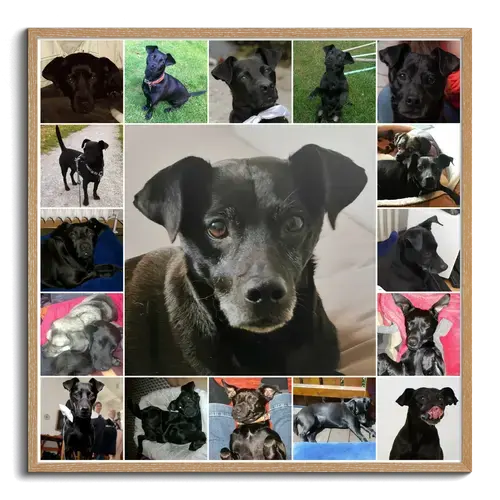
For many dog breeds, there are suitable silhouettes in both standing and sitting poses. Fill the template with 15 to 20 of your own photos to create a personalized collage as a keepsake, gift, or decoration.
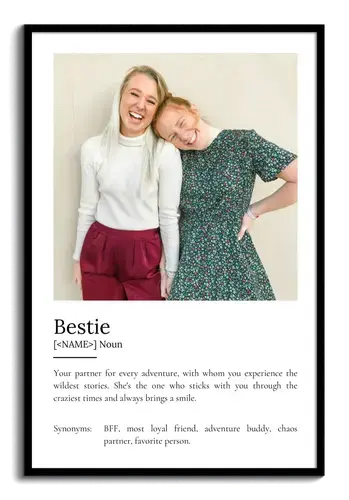
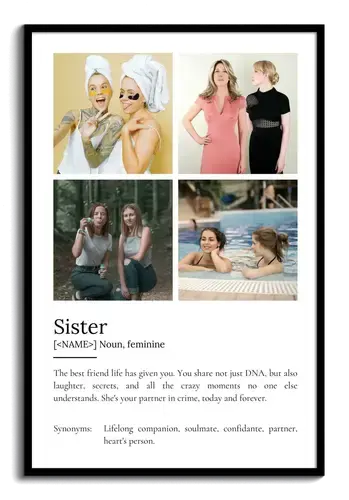
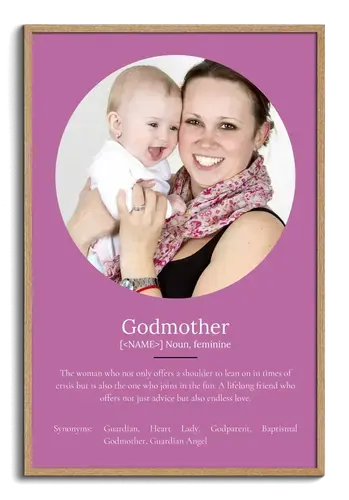
Definition Posters
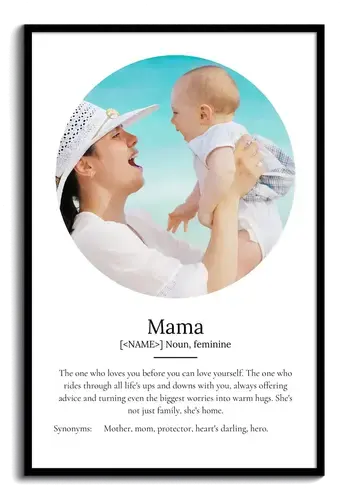
Create a personal definition poster in dictionary style for Mom, Dad, best friends, or other loved ones. Add the term with your own text and up to 9 photos to create an original gift with personal meaning.
Customer Reviews
Did You Know?
Our passion is photos and personalized print products. Check out our other creative gift ideas: